csgofps参数如何缩小
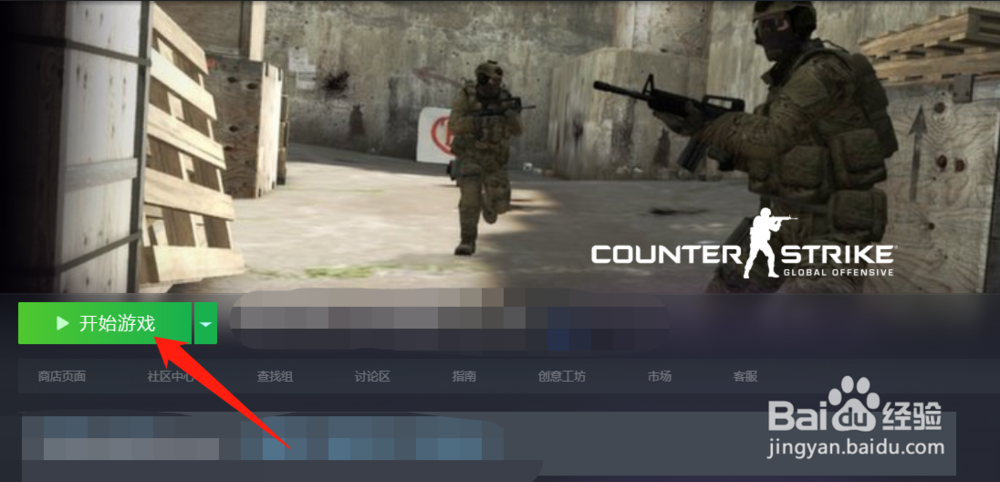
1、在steam中启动csgo
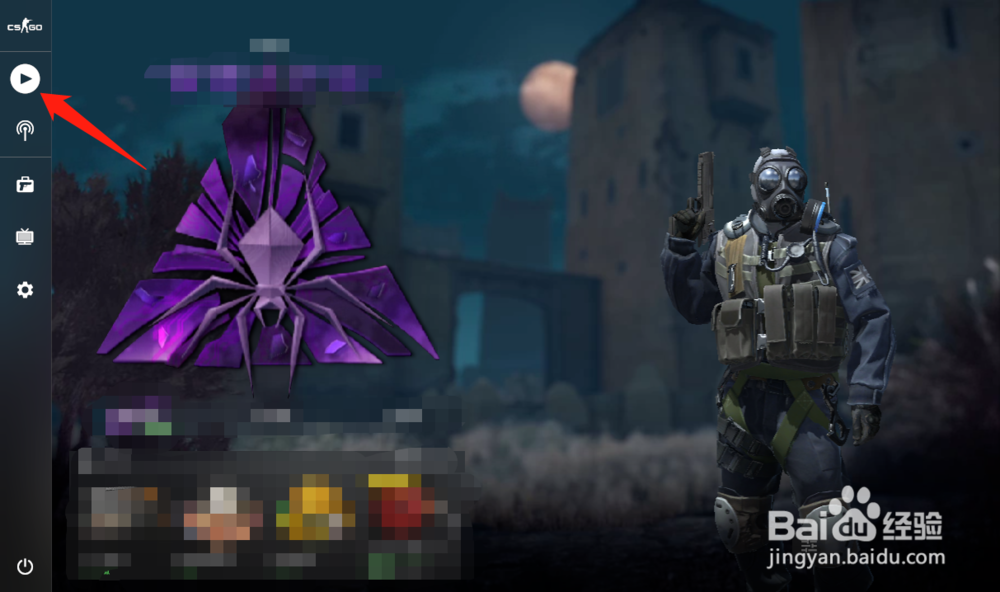
2、点击左边的开始
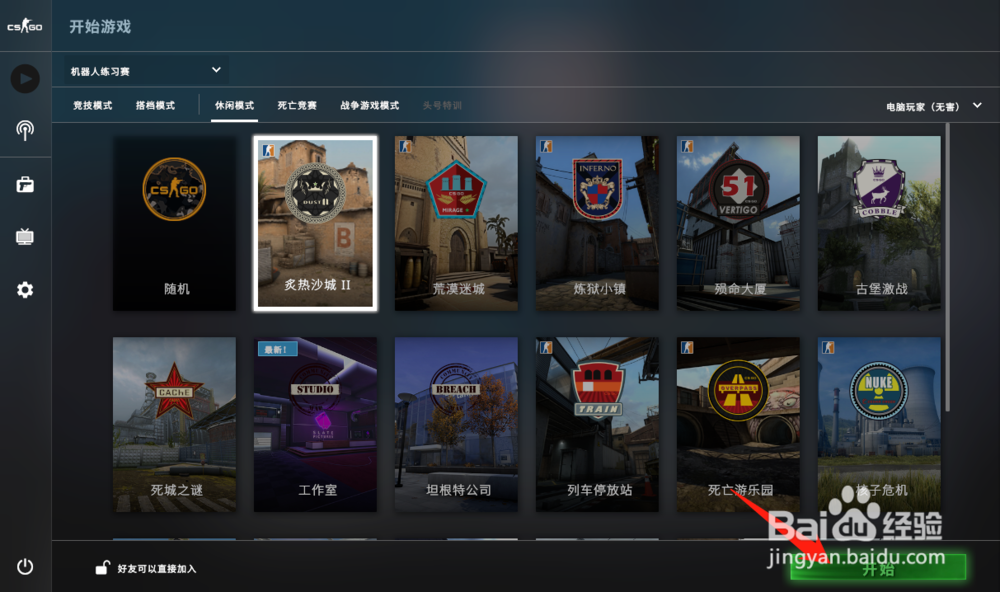
3、点击开始游戏,进行一盘游戏
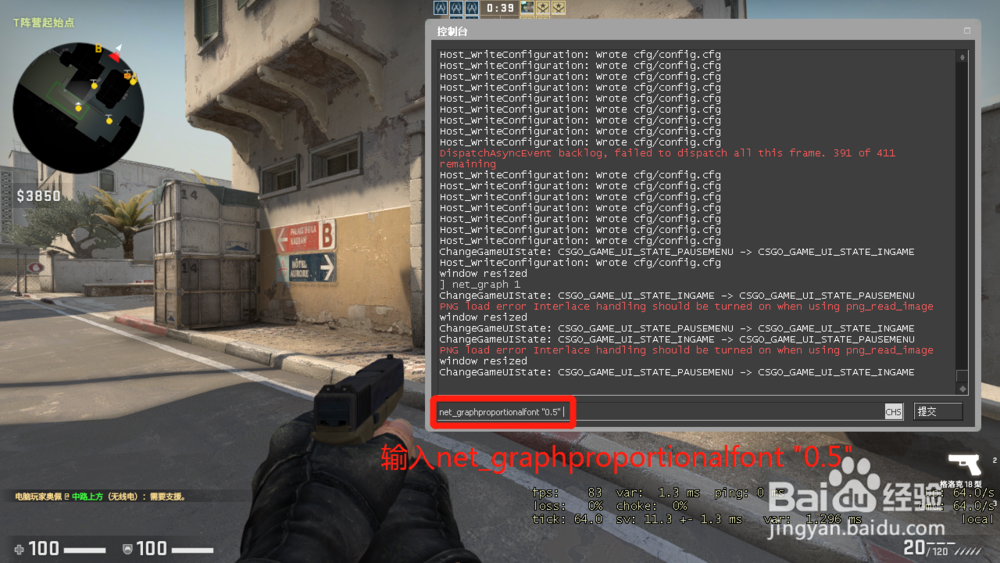
4、进入后,按下~打开控制台
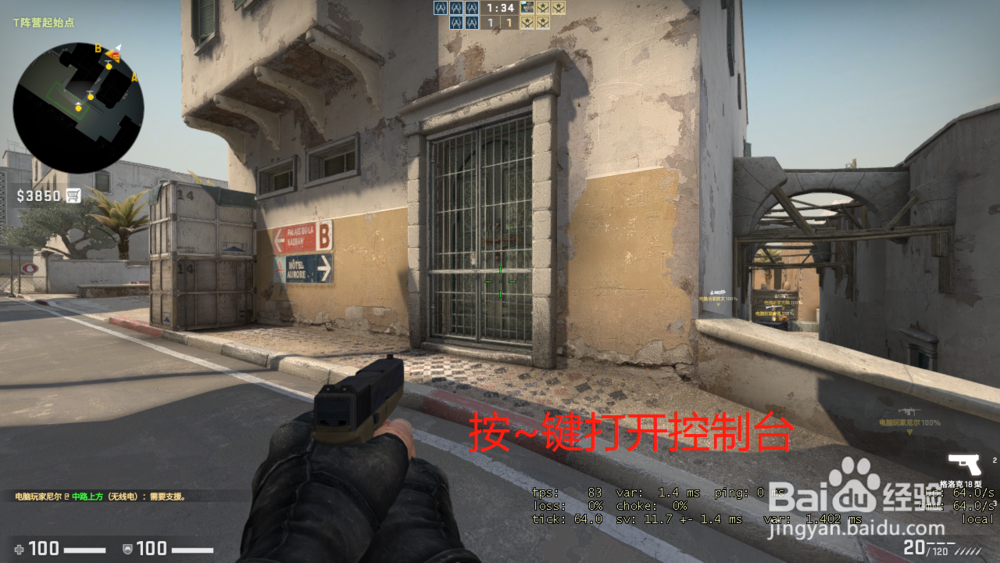
5、在控制台中输入net_graphproportionalfont "0.5" ,回车
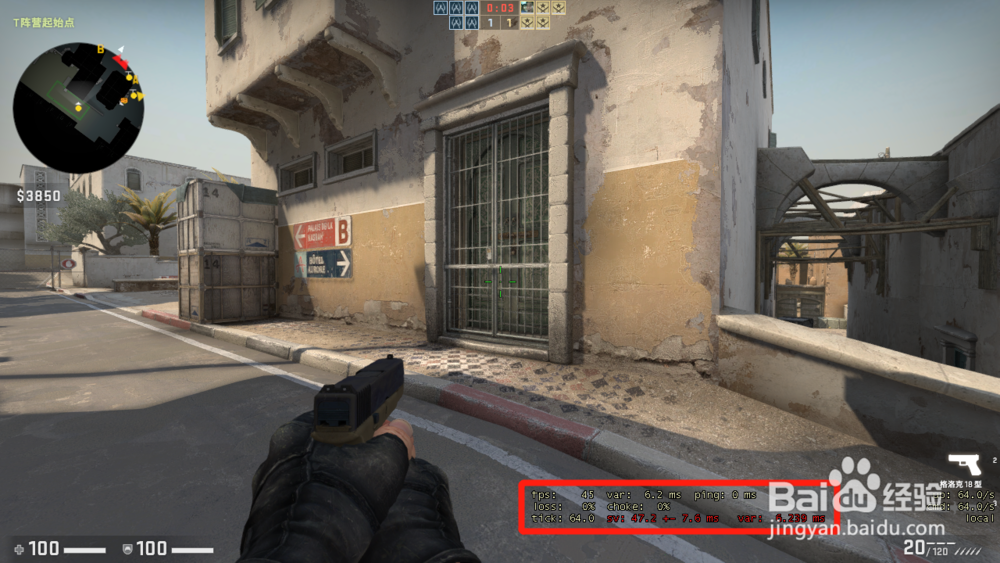
6、游戏画面中的fps参数缩小
7、总结
(1)在steam中启动csgo
(2)点击左边的开始
(3)点击开始游戏,进行一盘游戏
(4)进入后,按下~打开控制台
(5)在控制台中输入net_graphproportionalfont "0.5"
(6)游戏画面中的fps参数缩小