Nutrilio如何开启Weekly Reports
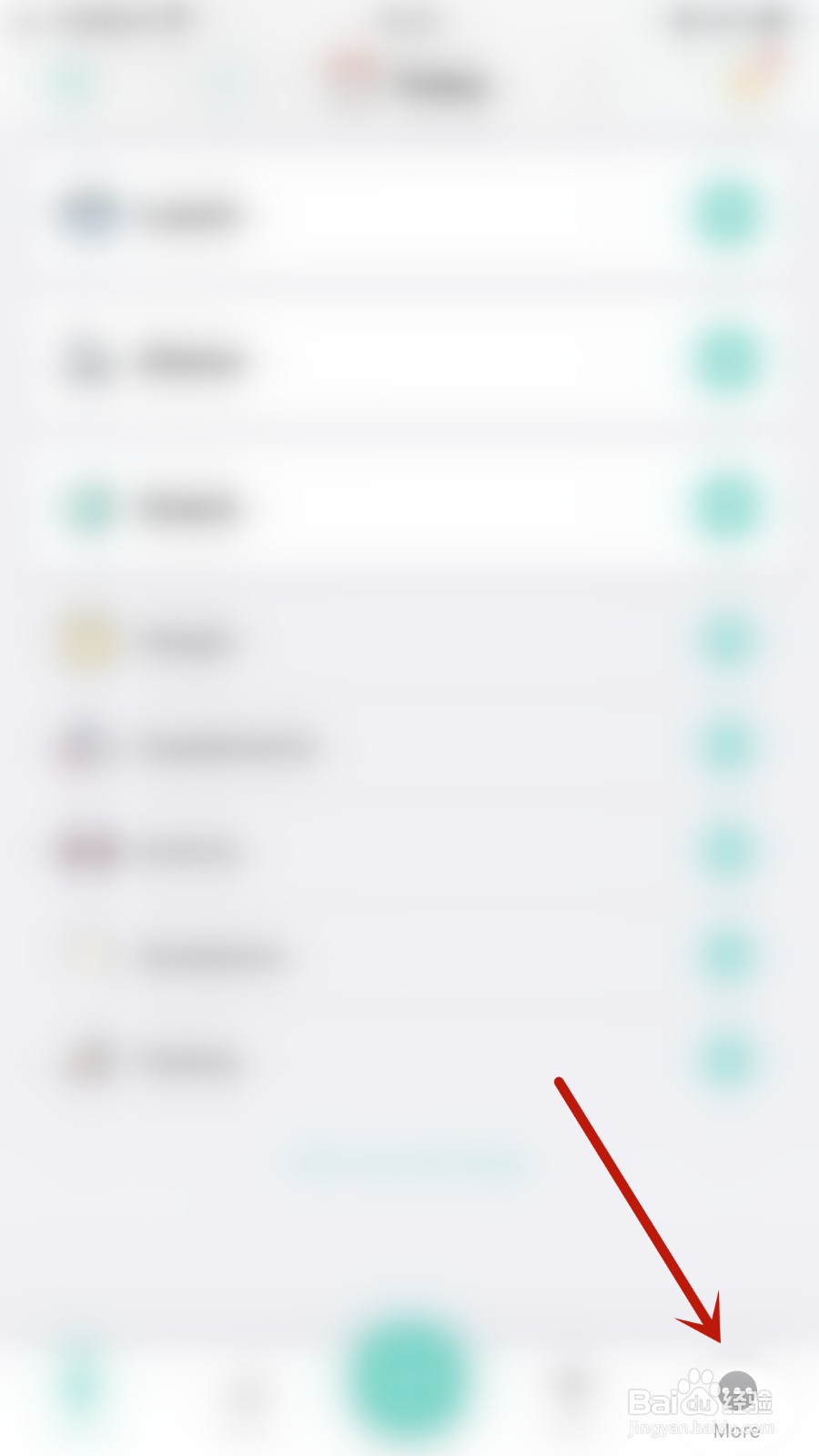
1、手机打开“Nutrilio”App,Nutrilio主界面点击右下角的“More”打开更多信息界面
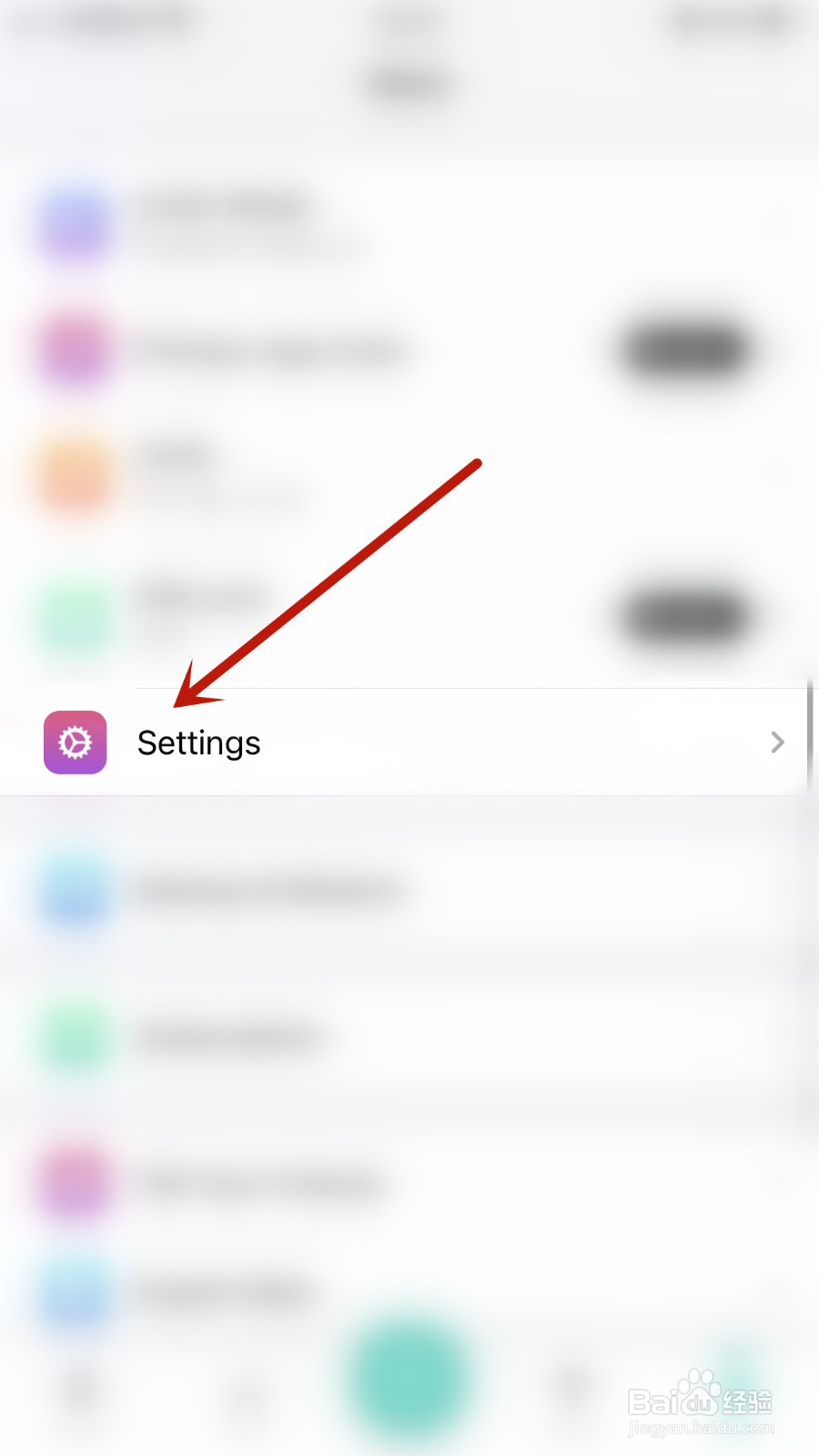
2、更多信息界面点击“Settings”打开设置界面
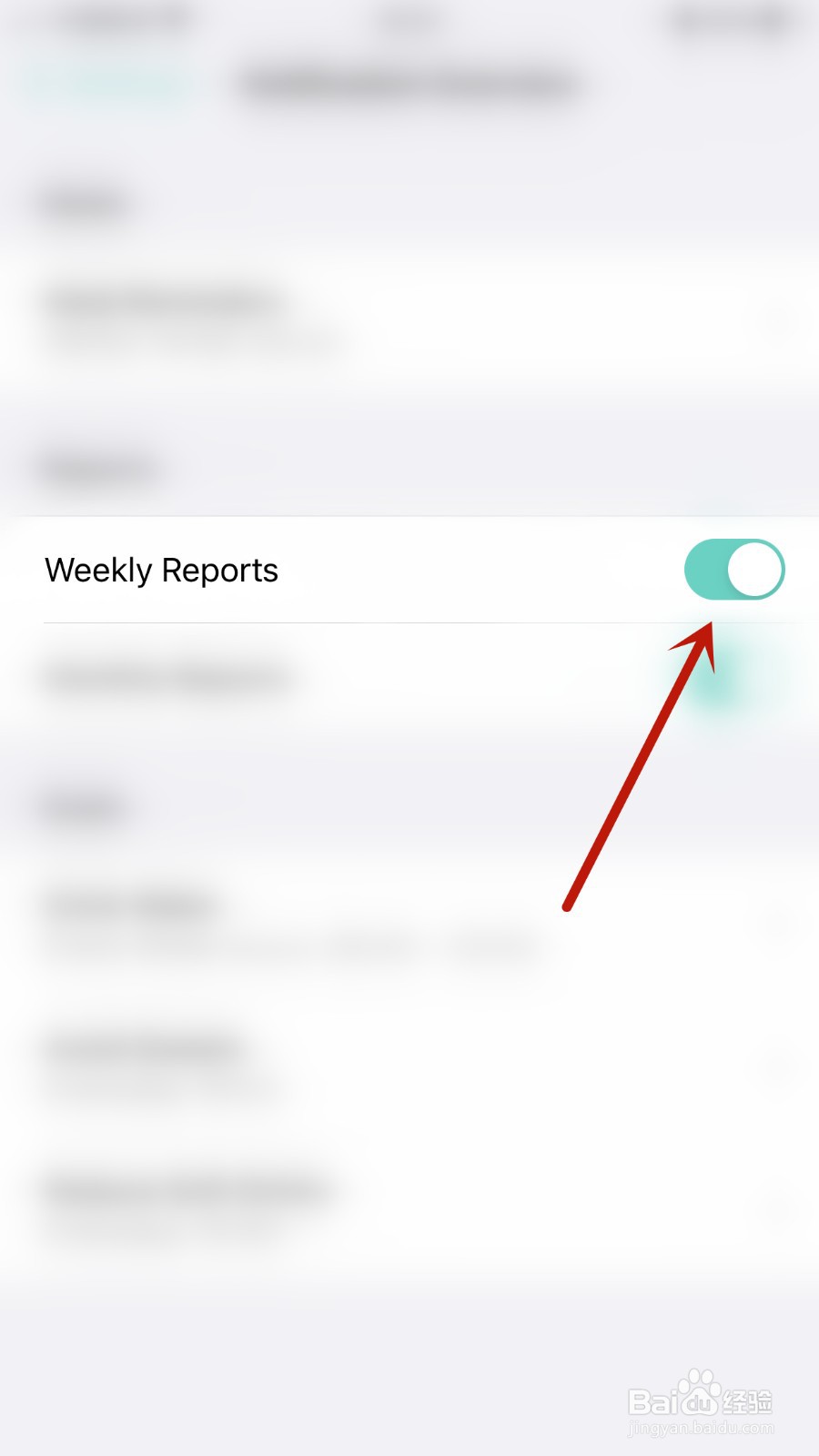
3、设置界面点击“Weekly Reports”后面的圆点

4、“Weekly Reports”后面的圆点变为绿色即表示Nutrilio开启Weekly Reports成功
阅读量:66
阅读量:188
阅读量:136
阅读量:179
阅读量:63
1、手机打开“Nutrilio”App,Nutrilio主界面点击右下角的“More”打开更多信息界面
2、更多信息界面点击“Settings”打开设置界面
3、设置界面点击“Weekly Reports”后面的圆点
4、“Weekly Reports”后面的圆点变为绿色即表示Nutrilio开启Weekly Reports成功