wps怎么把word保存为网页文件
1、首先打开一个WORD文档
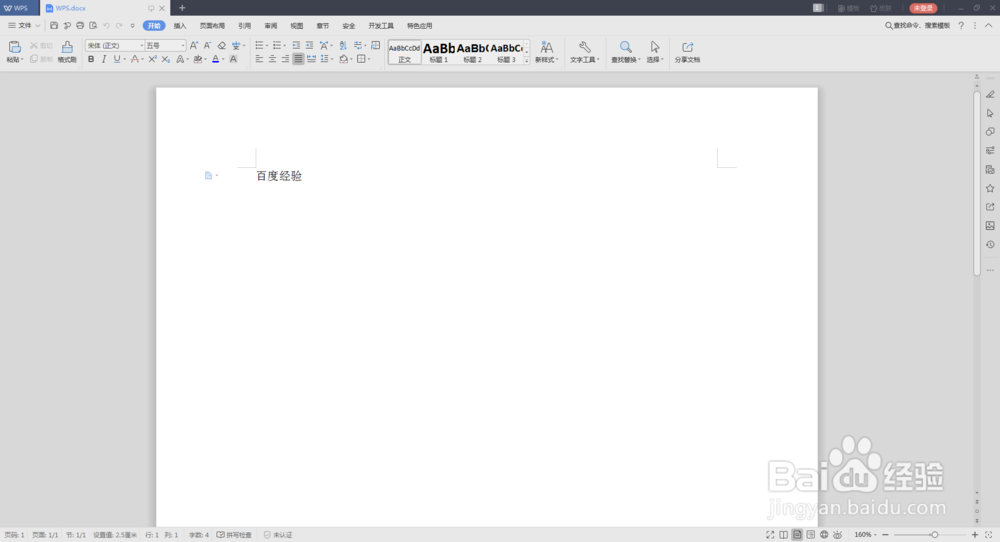
2、然后点击工具栏上的文件
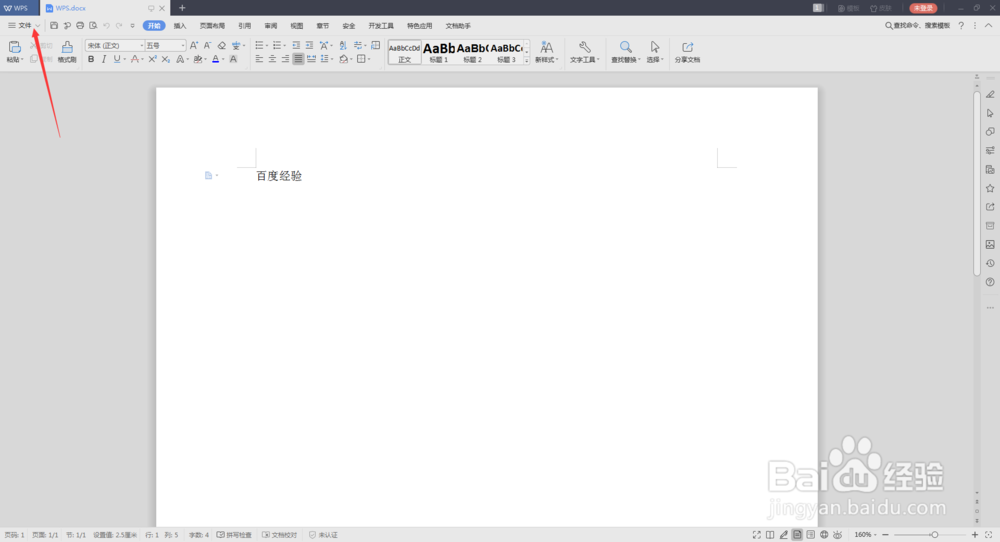
3、我们选择文件===文件
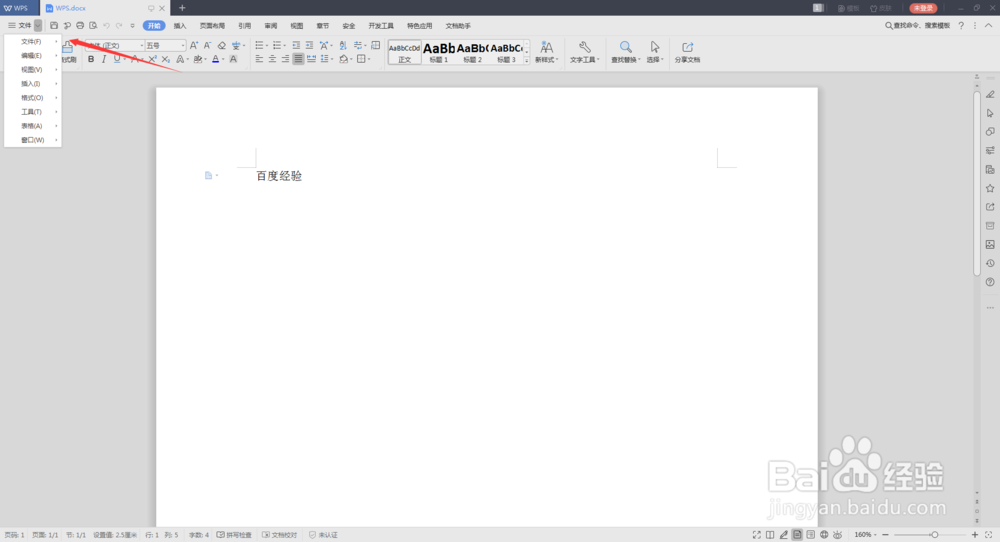
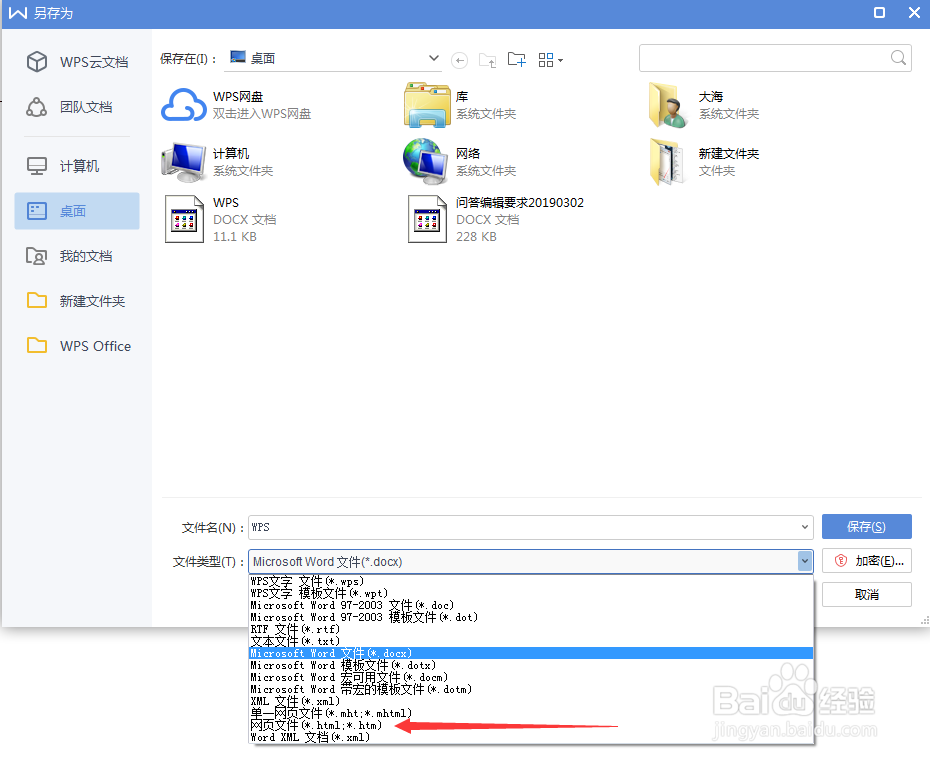
4、在列表中选择另存为
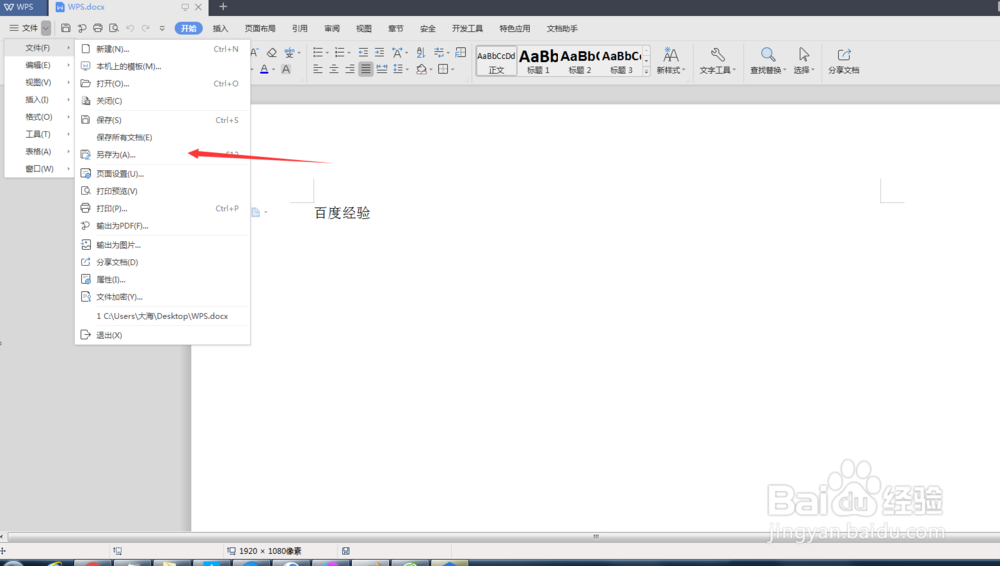
5、注意这里选择网页文件类型
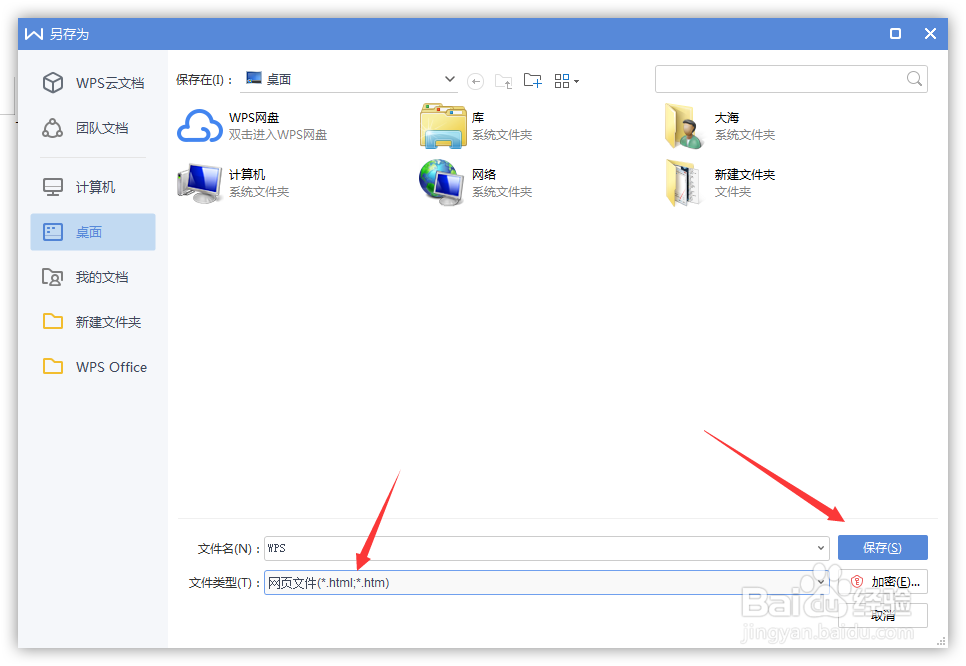
6、确定选择好了文件类型,点击保存
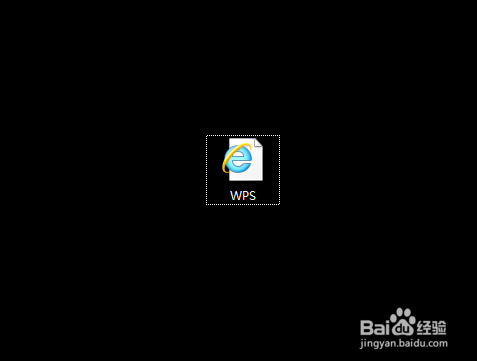
7、我们来看下已经成功保存为网页类型了
阅读量:168
阅读量:38
阅读量:99
阅读量:118
阅读量:129
1、首先打开一个WORD文档
2、然后点击工具栏上的文件
3、我们选择文件===文件
4、在列表中选择另存为
5、注意这里选择网页文件类型
6、确定选择好了文件类型,点击保存
7、我们来看下已经成功保存为网页类型了