win10如何设置网络?
1、在桌面右下角右击网络图标,打开网络和internet设置

2、点击更改适配器选项
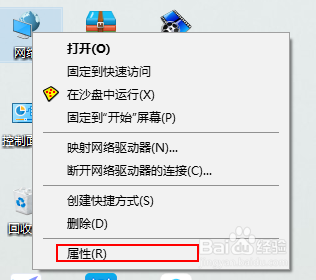
3、右击以太网选择属性后点击
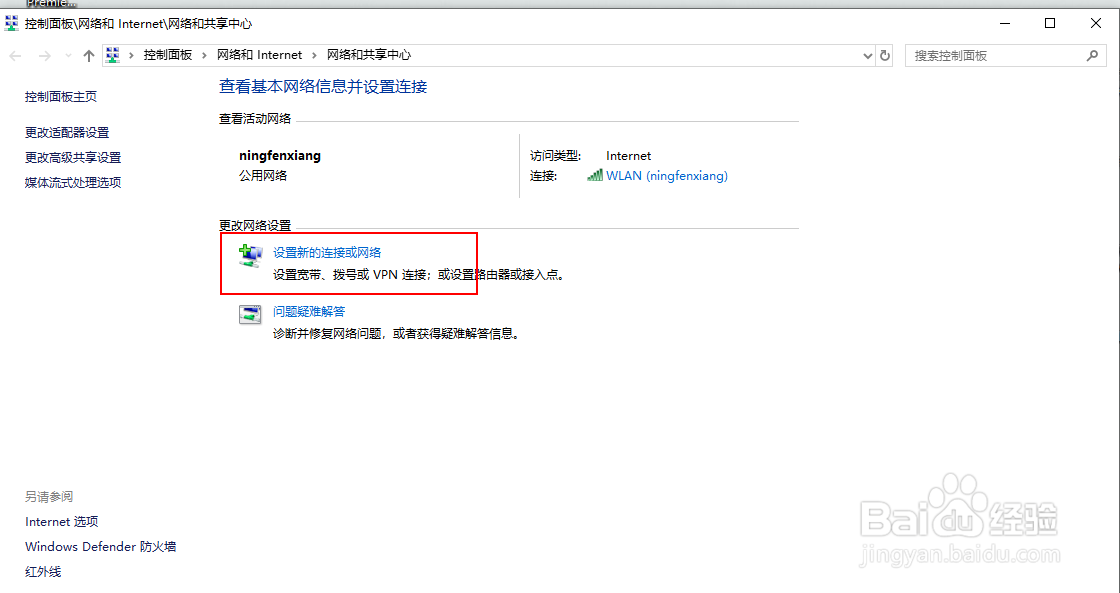
4、找到并双击Internet协议版本4 然后选择常规
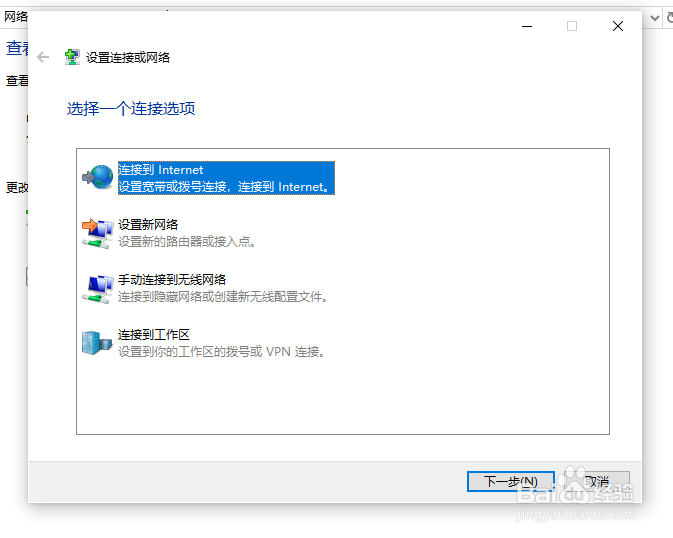
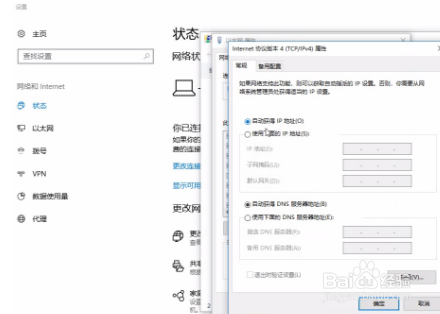
5、ip地址和dns服务器地址都选择自动获得后确定即可
6、学会了吗
阅读量:74
阅读量:34
阅读量:45
阅读量:53
阅读量:37
1、在桌面右下角右击网络图标,打开网络和internet设置
2、点击更改适配器选项
3、右击以太网选择属性后点击
4、找到并双击Internet协议版本4 然后选择常规
5、ip地址和dns服务器地址都选择自动获得后确定即可
6、学会了吗